Planogram guide
What is a planogram?
A planogram is a diagram that shows exactly where every product goes on a retail fixture: which shelf or hook, how many facings, and in what order.
Retailers use planograms to keep every store's shelves the same and give each product the space it earns. Suppliers use them to show retailers how their products should be merchandised.
What a planogram shows
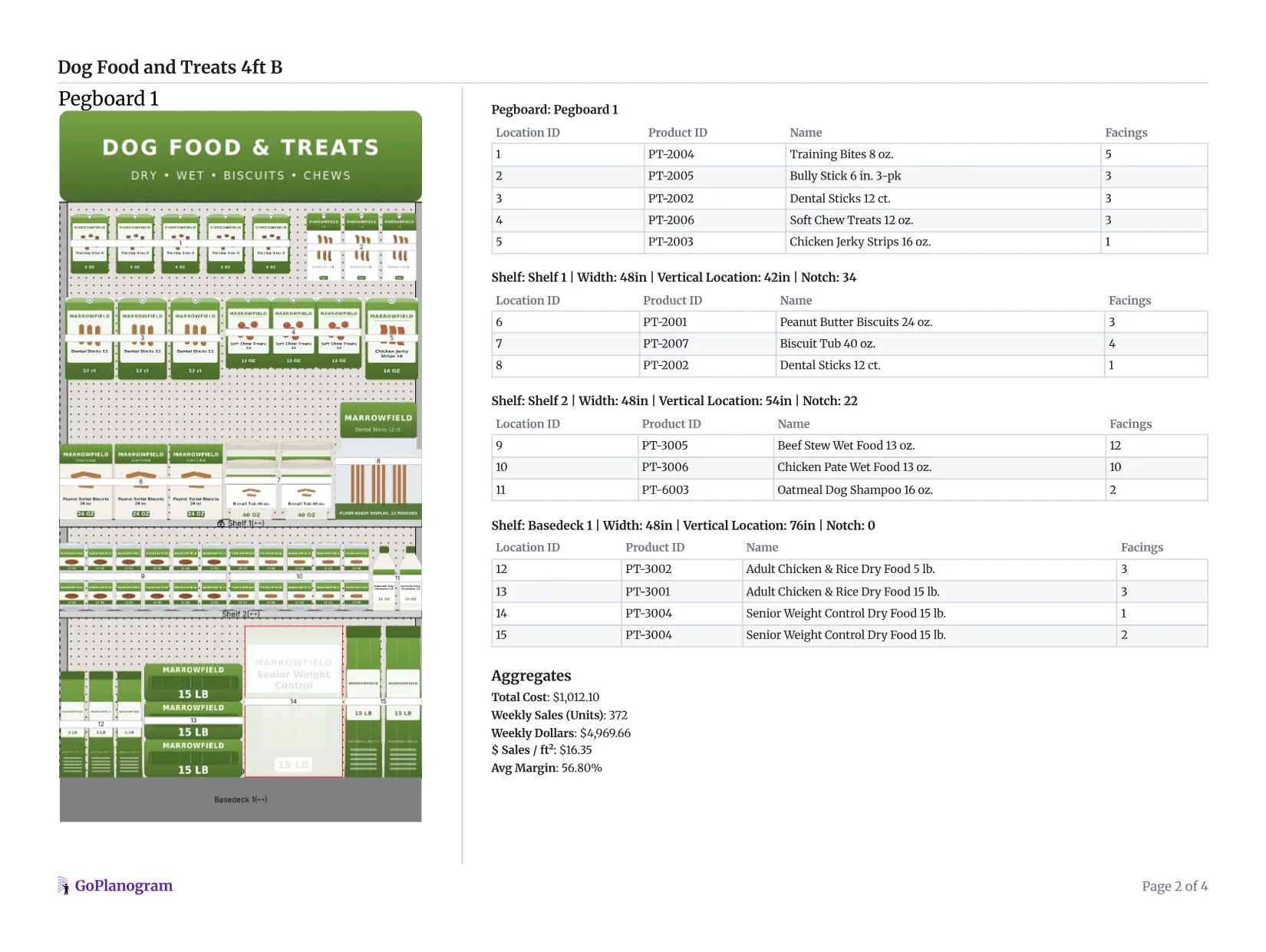
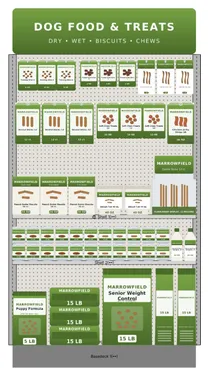
Every planogram has the same five parts. Here they are on a real 4-foot pet section.
- 1
The fixture
The shelving, pegboard, hanging bars or cooler the products go on, drawn to its real size, with every shelf or hook in place.
Here, a 4-foot pegboard over two shelves and a base deck.
- 2
Product positions
Exactly which shelf or hook each product sits on, and where along it, so every store sets the section the same way.
Each product carries a number, its location ID.
- 3
Facings
How many units of each product face the shopper side by side. More facings means more space, and usually more sales, for that item.
Beef stew wet food gets 12 facings; the chicken jerky strips get 1.
- 4
Blocking and flow
How products are grouped, by category, brand, flavor or size, and the direction they run, so shoppers find what they came for.
Treats hang on the pegboard, wet food sits on a shelf, heavy dry food bags go on the bottom.
- 5
The item list
Every product with its ID, name and facings, numbered to match the drawing, so a store team can set the section from the page.
Location IDs 1 to 15 match the numbers in the drawing.
Why planograms matter
A store only has so much shelf, and every product on it takes space from another. The planogram records who gets that space: which items the section carries, how many facings each gets, and where they go. A good one puts best sellers where shoppers look, holds enough stock to last between deliveries, and is quick to restock.
Who makes and uses planograms
Retailers
Space planners and category managers at the retailer decide what each section carries and how it's laid out, then send planograms to every store so the shelves match. Consistent shelves make stores easier to shop, restock and audit.
Suppliers and brands
Manufacturers propose planograms to the retailers that carry them: where their products should go, with how many facings, and why it will sell. Retailers often ask a category's leading supplier, its category captain, to recommend the planogram for the whole category.
Store teams
Store staff and merchandising crews follow the planogram when they set or reset a section. How closely the shelf matches the plan is called planogram compliance.
Types of planograms
Schematic planograms
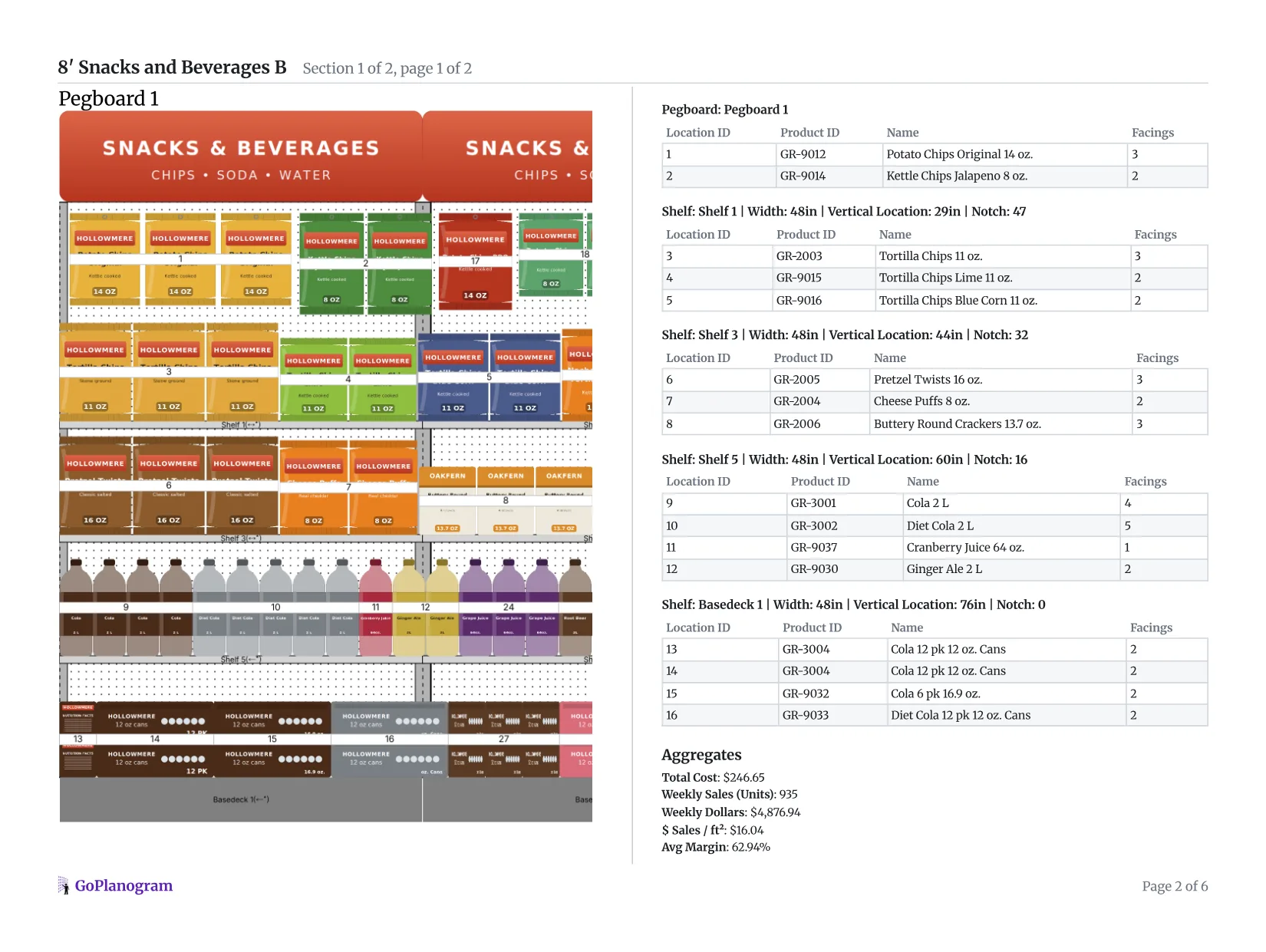
Products drawn as labeled boxes at their real size. Quick to read and to set from, and common for large assortments of similar items.
Pictorial planograms
Products shown with their package images, so the plan looks like the finished shelf. Easier for store teams to match, and better for pitching a buyer, especially when software also shows the set in 3D.
Floor plans
A store-level view of where each fixture and category sits in the building, usually planned alongside the planograms for each section.
The same idea on different fixtures
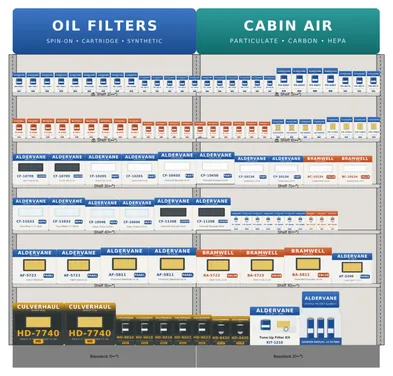
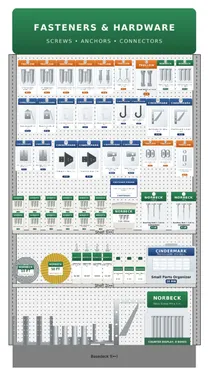
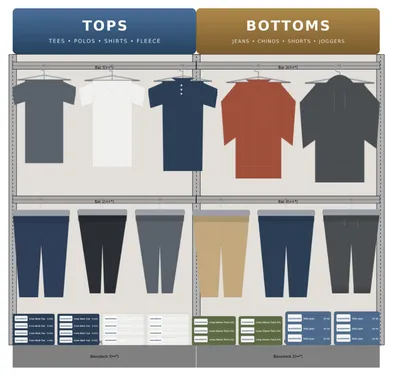
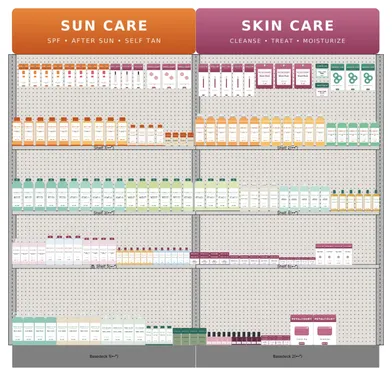
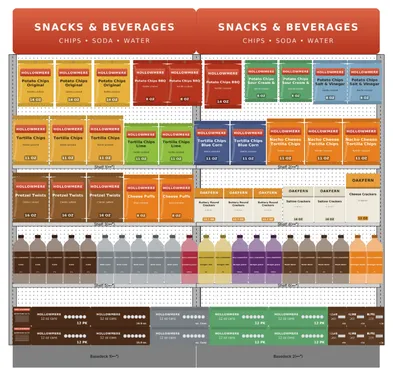
Shelving, pegboard, hanging bars, coolers and endcaps each have their own rules, and planograms are drawn for all of them.
Planogram terms to know
- SKU
- Stock keeping unit: one specific product, down to size and flavor, with its own ID.
- Facing
- One unit of a product at the front of the shelf, facing the shopper. Three facings means three units side by side.
- Section or bay
- One unit of shelving, often 4 feet wide. Planograms are commonly sized in sections, such as a 4-foot or 8-foot set.
- Fixture
- The physical equipment products sit on or hang from: shelves, pegboard, bars, bins, coolers.
- Blocking
- Grouping products into visual blocks, by brand, category or color, so the section reads clearly from the aisle.
- Adjacency
- Which products or categories sit next to each other, such as chips beside dip.
- Days of supply
- How long the units on the shelf last at the current rate of sale. Facings are often set so each item lasts between deliveries.
- Reset
- Taking a section down and setting it again to a new planogram.
- Planogram compliance
- How closely what is on the shelf matches the planogram.
- POG
- A common abbreviation for planogram.
- PSA file
- The planogram file format of JDA / Blue Yonder Space Planning, which many large retailers plan in and ask suppliers to send.
Planogram examples
Real planograms for six kinds of store, each with how it's planned and what retail buyers expect from a supplier.
Planogram questions
- What is the purpose of a planogram?
- A planogram makes sure every store sets a section the same way, with each product in the spot and amount of space that sells best. It turns decisions about assortment and space into an exact plan a store team can follow.
- What's the difference between a planogram and a store layout?
- A store layout, or floor plan, shows where fixtures and departments sit in the building. A planogram shows what goes on one fixture: each product, its shelf, and its facings. The floor plan places the sections; planograms fill them.
- Who creates planograms?
- Space planners and category managers at retailers, and the suppliers and brands that sell to them. Suppliers often build planograms to propose how their products should be merchandised, especially before a retailer's line review.
- How often do planograms change?
- It varies by retailer and category. Many categories reset on an annual or twice-yearly cycle, often after a line review, while seasonal categories like sun care or holiday change more often.
- How are planograms made?
- Small stores sometimes draw them by hand or in a spreadsheet, but most retailers and suppliers use planogram software, which draws products at their real size on a model of the fixture and keeps the item list, facings and sales data in step with the drawing.
- What does POG stand for?
- POG is short for planogram. You will see it in retailer portals and file names, such as a "POG reset" or a "POG ID".
Build planograms with your own catalog
GoPlanogram is planogram software for suppliers and retailers: your own catalog, sales data, buyer-ready reports and PSA files, in the browser.

